How to recognize the public starting point without guessing what happens inside an employee account.
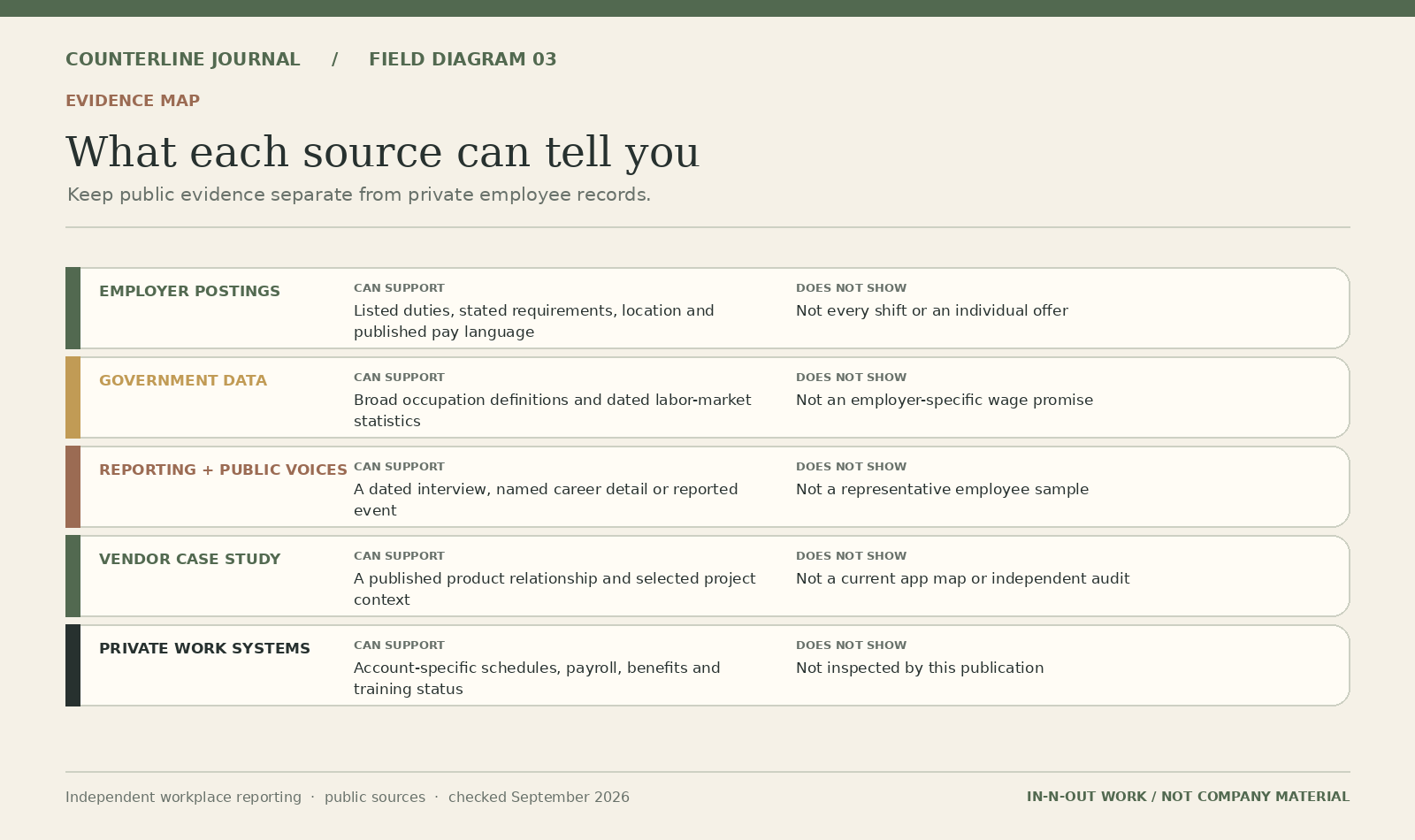
In-N-Out’s public employment page includes a link labeled for existing associates. That establishes a company-published starting point. It does not tell an outside reader which screens, services or records an individual can access after signing in.
Start with the task, then the route
| Question | Useful next step |
|---|---|
| A shift or availability question | Ask your manager which current scheduling channel applies |
| A pay statement or employment record | Ask which employer team or record system handles that document |
| A benefits question | Use the plan information or employer benefits contact supplied to you |
| An access problem | Follow current employer instructions for the specific service |
This is an editorial responsibility map, not a description of private software. It deliberately does not assign every task to Associate Link, Oracle or one app. Publicly naming a technology vendor is not evidence that a particular login opens that product.
Avoid a look-alike destination
Navigate from the official employment page rather than a search advertisement promising an employee sign-in. Before entering credentials, check that the destination matches the employer’s current instructions. A familiar logo or the words “associate portal” do not establish that a page is operated by the employer.
If a bookmark stops working, seek the employer’s current route instead of trying guessed addresses. Do not send passwords, one-time codes, associate IDs or private record screenshots to this publication. Counterline does not host employee accounts or offer password recovery.
What public sources cannot settle
The public link alone does not establish former-worker access, account eligibility or the contents of a personal record. Former associates looking for a specific document can use the records and final-pay guide. The HR technology article explains the narrower claims supported by a vendor customer story.